Digital content creation moves fast. What took hours yesterday now happens in minutes. AI has stepped into photo and video editing, turning complex tasks into simple clicks. Creators, marketers, and businesses need tools that keep pace with their ideas without the learning curve of professional software.
What Is an AI Image Editor?
An AI image editor uses machine learning to automate editing tasks. You upload a photo or video frame, and the software handles adjustments automatically. Traditional editing software requires you to know layers, masks, and complex tools. AI editors work differently—they understand your image and make intelligent changes based on what they see.
Think of it as having an expert editor built into the software. The AI recognizes faces, objects, backgrounds, and lighting conditions. It then applies appropriate edits without requiring technical knowledge from you.
Key Features of a Leading AI Image Editor
Modern n AI Image Editor pack powerful features into user-friendly interfaces:
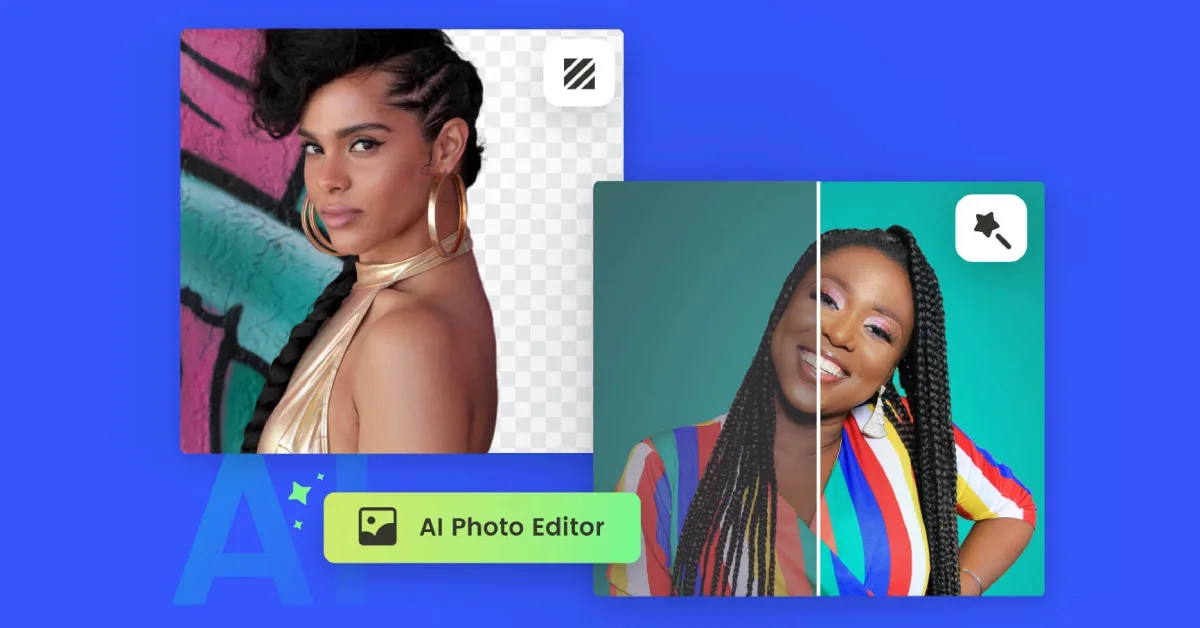
- One-click background removal strips away unwanted backgrounds instantly. The AI identifies subject boundaries and creates clean cutouts without manual selection tools.
- Auto-enhancement analyzes your image and adjusts brightness, contrast, saturation, and sharpness. The software knows what looks good and applies those improvements automatically.
- Batch processing handles hundreds of images simultaneously. Upload your entire photo shoot, apply edits, and watch the AI work through your gallery while you handle other tasks.
- Style transfer and preset filters apply artistic effects with single clicks. Want your photo to look like a painting or match a specific mood? The AI transforms your image while maintaining its core structure.
Benefits for Photo Editing
AI editing speeds up routine tasks that eat up creative time. Color correction, exposure fixes, and basic retouching happen instantly. You spend less time on technical adjustments and more time on creative decisions.
Consistency becomes effortless across large photo sets. The AI applies the same quality improvements to every image, creating cohesive galleries without manual tweaking. Wedding photographers process hundreds of photos with uniform quality. Product photographers maintain consistent lighting and color across their entire catalog.
Quality improvements happen with minimal effort. The AI often catches issues you might miss—slightly blurry details, color casts, or exposure problems. Your photos look better without requiring advanced editing skills.
Benefits for Video Editing
Video creators extract high-quality stills from footage in seconds. The AI analyzes frames and selects the sharpest, best-lit moments for thumbnails or social media posts. No more scrubbing through hours of footage looking for the perfect frame.
Frame-by-frame corrections become manageable. Remove unwanted objects across multiple frames, adjust lighting throughout a scene, or fix color issues that appear in specific shots. The AI maintains consistency between frames automatically.
Integration with popular editing platforms streamlines workflows. Export AI-enhanced frames directly into Premiere Pro, Final Cut, or DaVinci Resolve. Your enhanced images fit seamlessly into existing video projects.
Real-World Use Cases
- Social media content creators produce consistent, professional-looking posts without hiring editors. Beauty influencers enhance skin tones naturally. Travel bloggers remove crowds from scenic shots. Food photographers perfect lighting and colors that make dishes look appetizing.
- E-commerce product photography maintains uniform standards across thousands of items. Background removal creates clean, consistent product shots. Auto-enhancement ensures every product looks its best under various lighting conditions. Batch processing handles entire catalogs efficiently.
- Marketing teams and ad agencies create polished visuals quickly. Campaign deadlines don’t allow for lengthy editing sessions. AI tools deliver professional results fast, letting teams focus on strategy and messaging rather than technical execution.
How to Choose the Right Tool
Ease of use matters most. Can your team start using the tool immediately, or does it require extensive training? The best AI editors work intuitively—upload, click, export.
Compatibility with existing workflows prevents bottlenecks. Check how the tool exports files and whether it integrates with your current software. You don’t want to convert file formats or learn new import processes.
Pricing should match your usage. Some tools charge per image, others offer monthly subscriptions. Calculate your monthly editing volume and compare costs. Factor in time savings when evaluating price—faster editing means more capacity for other work.
Support quality becomes crucial when deadlines approach. Look for tools with responsive customer service, comprehensive tutorials, and active user communities.
Step-by-Step Guide: Getting Started
- Sign up and complete onboarding. Most platforms offer free trials or basic accounts. Create your account and explore the interface without pressure.
- Upload your first image or video frame. Start with a simple photo to understand how the AI processes your content. Choose something with clear subjects and backgrounds for the best initial results.
- Apply AI-driven edits. Try basic enhancements first—auto-adjust, background removal, or preset filters. Watch how the AI interprets your image and makes improvements.
- Export and share. Download your edited image in the format you need. Most tools offer multiple resolution and file type options.
Start simple and gradually explore advanced features. Each successful edit builds your confidence and understanding of what the AI can accomplish.
Tips for Maximizing Results
Combine AI edits with manual tweaks for perfect results. Let the AI handle the heavy lifting, then make small adjustments to match your vision. This hybrid approach delivers professional quality faster than pure manual editing.
Test different styles and presets on the same image. AI tools often surprise you with creative interpretations you hadn’t considered. Save versions you like for future reference.
Keep source files organized in folders by project or date. AI editing happens fast, but finding the right original image shouldn’t slow you down. Good organization prevents duplicate work and lost files.
Conclusion
AI has fundamentally changed how we approach photo and video editing. Tasks that once required expertise now happen with simple clicks. Quality improves while time investment decreases. Whether you’re creating social media content, processing product photos, or enhancing video frames, AI tools deliver professional results without the learning curve.
The technology continues advancing, making sophisticated editing accessible to everyone. Your creativity matters more than your technical skills. AI handles the mechanics while you focus on the vision.
Ready to transform your editing workflow? Try an AI Image Editor and experience how artificial intelligence can elevate your visual content while saving valuable time.